

How to Reduce Problems Such as Tendonitis Pain When Typing
When typing for long periods, pain in the arms and hands, such as tendonitis caused by typing, can occur. This time, we have summarized methods to reduce such pain and problems in the arms and hands.
Modified at: 2025.7.16Posted at: 2022.6.29
Reduce Pain with Your Current Keyboard
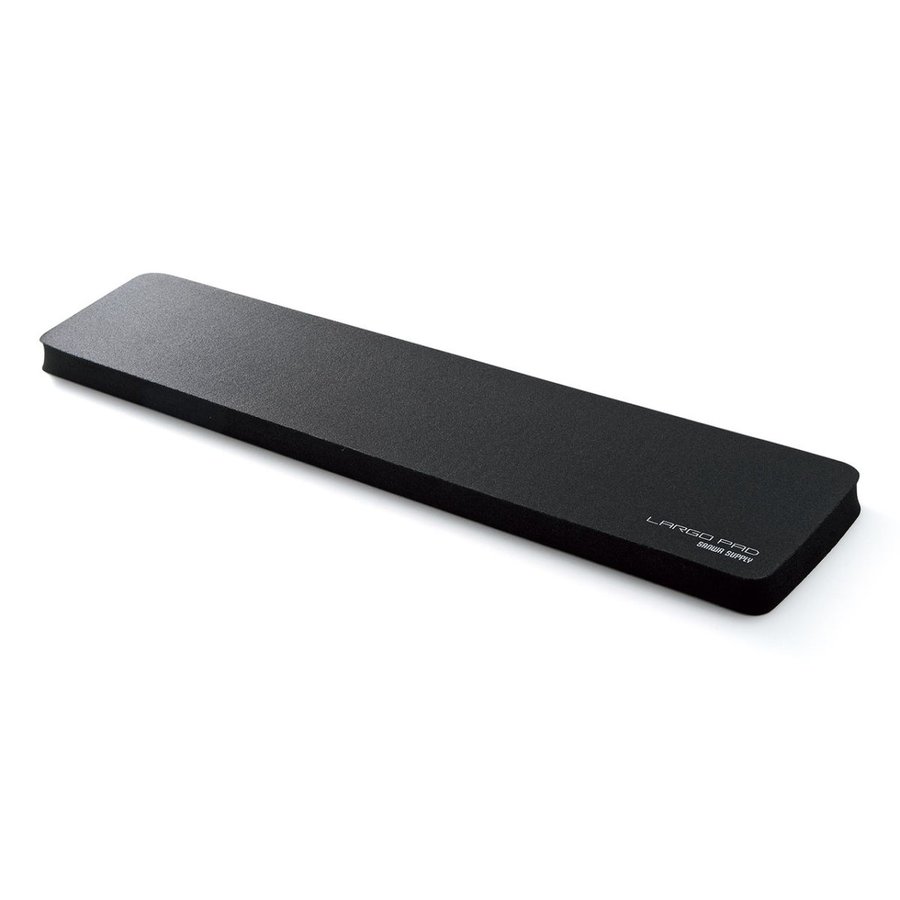
Use an Armrest (Wrist Rest)
When typing on a keyboard, if your elbows are positioned lower than the key tops, you will end up typing with your wrists bent and unnecessary tension will be placed on the tendons that move your fingers. Generally, this is not a problem for standard keyboards since they're not that tall, but with gaming keyboards, the switches are higher, which raises the key tops. As a result, even though the key touch is light, it is still possible to get tendonitis. By using an armrest to raise the height of your wrists and elbows, you can prevent unnecessary tension from being placed on the muscles between your elbows and wrists. In fact, if you try using an armrest, you'll notice that even just keeping your elbows from being slanted compared to the key tops can greatly reduce the risk of tendonitis from typing.
Adjust the Keyboard Height
A major reason for pain in the arms and hands when typing is the height of the key tops, so if your keyboard's height can be adjusted, set it so that the key tops are not higher than your elbows. If it's too low, use a keyboard mat or raise the tilt to increase the keyboard's height. If the key tops are still higher, raise your elbows using the armrest mentioned above. The optimal height varies by person, so try different adjustments to find the position where the least tension is placed on your tendons.
Adjust the Height of Desk and Chair
Surprisingly, the height of your desk and chair is a major factor. The height of your desk and chair affects everything from elbow height and angle to your posture and the strain on your body while typing. If the desk is too high, you'll end up typing with your arms raised, which often leads to pain. Even if the desk is at an optimal height, if your chair is too low, your arms will also be raised, so be sure to balance the desk and chair heights properly.
Learn Proper Typing
One of the less obvious but most effective methods is to learn proper typing technique. Each key actually has a designated finger (for example, F is the index finger and A is the pinky). However, many people type in their own way and are not using the correct finger for each key. Proper typing is the best way to minimize the strain on your fingers and tendons, so just learning the correct typing technique can eliminate unnecessary finger movement and help reduce issues like tendonitis. You can practice correct typing for free using browser games, so give it a try.
Choose a New Keyboard
If you have tried all of the above yet still cannot reduce pain like tendonitis, it is possible that your current keyboard does not fit your body. Consider getting a new keyboard. Recently, major electronics retailers have various keyboard models on display for test typing, so try actual typing to find a keyboard that matches your desired feel, height, and size.